
About VideoCutout
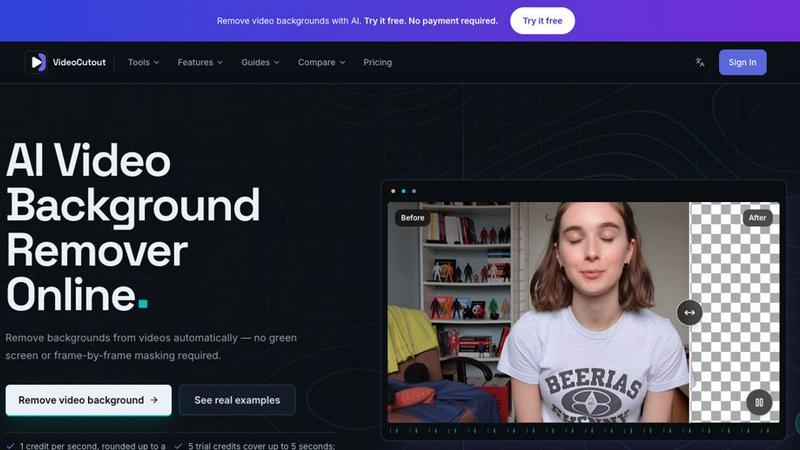
VideoCutout automatically separates foreground subjects from video backgrounds without a green screen or frame-by-frame masking. Upload MP4, MOV, WebM or GIF files, export transparent WebM, or replace the background with a custom image for creator videos, product content and compositing. Initial free usage or preview is limited; further processing or downloads may require paid credits or a subscription.
Similar to VideoCutout


Turn videos, images, PDFs, and files into shareable links with fast uploads and privacy-friendly controls.

Turn TikTok, Reels, Shorts, Facebook videos, audio, and video into accurate timestamped transcripts with TXT, SRT, and VTT exports.

Create product videos manually or let your AI agent control Screen Beaver through MCP—no mouse or keyboard needed.

Create AI videos, images, avatars, and audio in one creative workspace.